From the App Launcher → FM Opportunity Manager® app → Opportunity Manager Configuration tab → Highlights panel
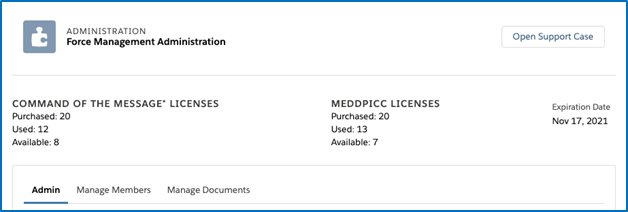
At the very top of the Opportunity Manager Configuration tab is the highlights panel. This panel provides a quick snapshot of the following information:
-
Command of the Message® and/or MEDDPICC licenses purchased, used, and available.
-
The expiration date of your current Opportunity Manager license