-
Click the gear icon in top right and select ‘Setup’
-
Select ‘Object Manager’ from the tab
-
Search for ‘Account Whitespace Solution’ in the Quick Find box and select
-
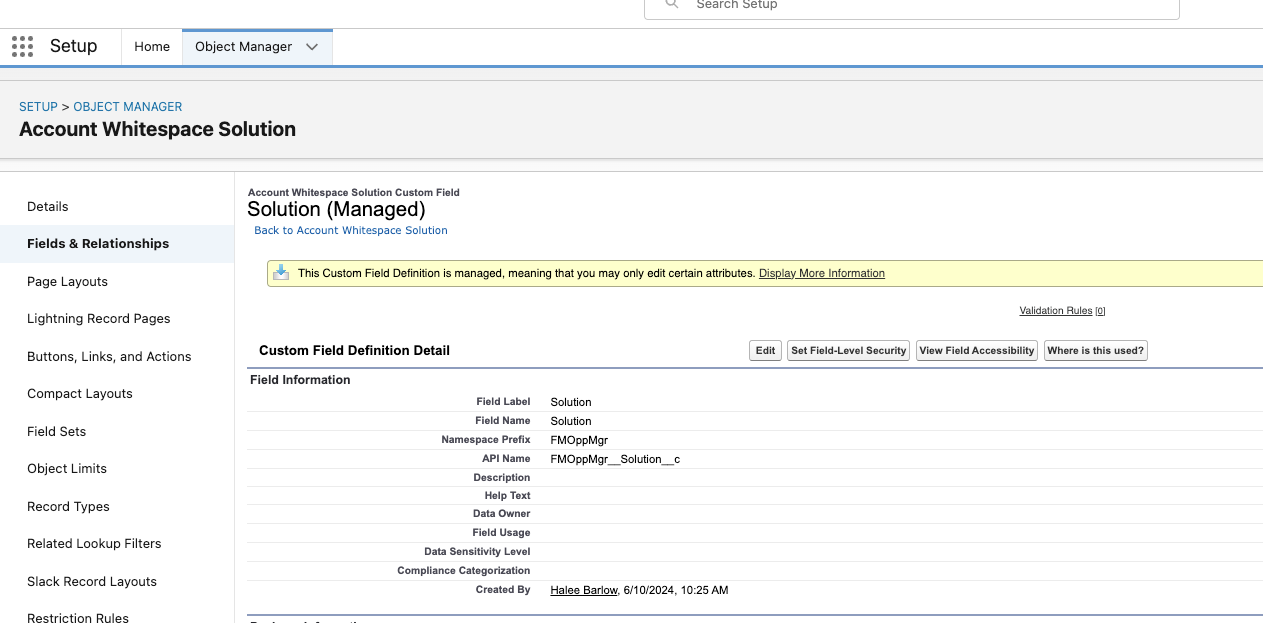
On the Account Whitespace Solution object, select ‘Fields & Relationships from the left pane
-
Click on the ‘Solution’ field
-
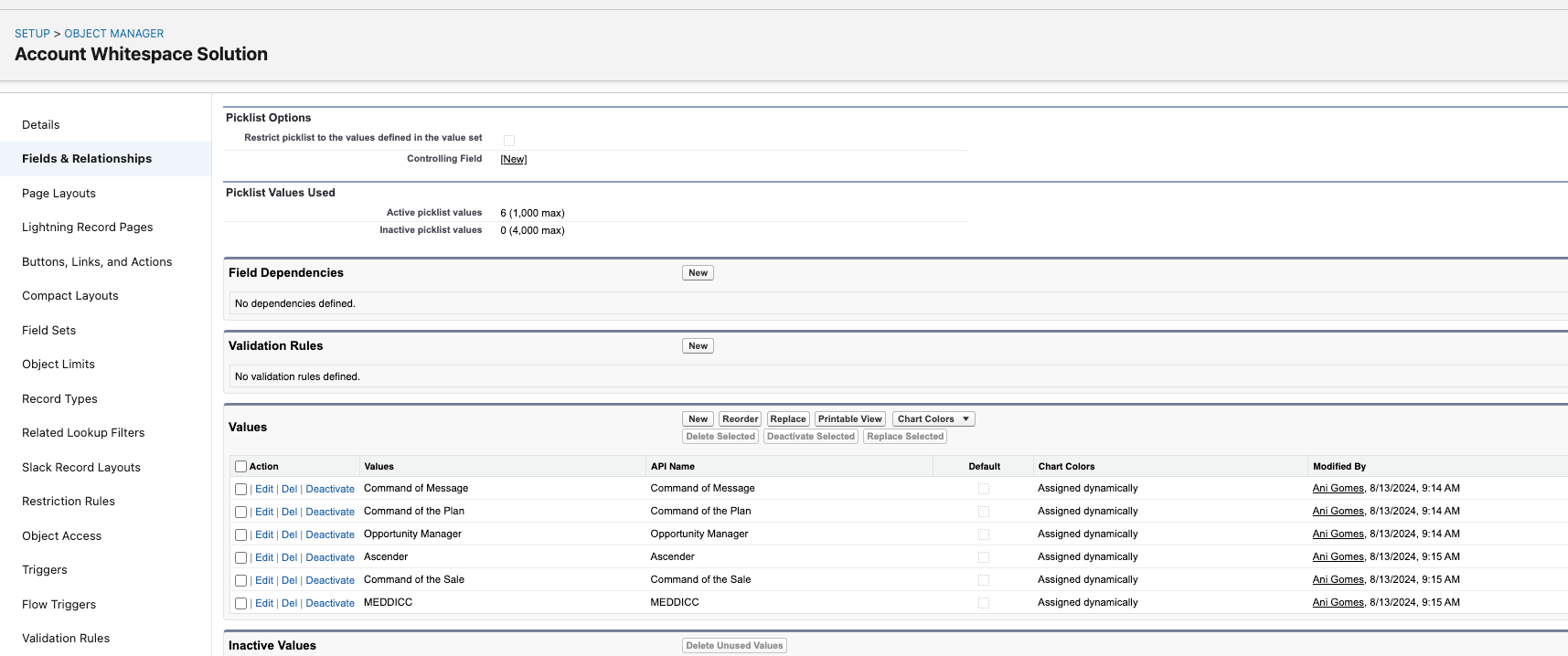
In the bottom section ‘Values,’ select ‘New’
-
Enter the product lines you wish to have on the table separated by their own line