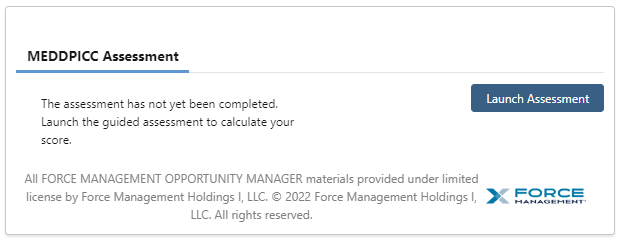
The Guided Assessment allows Reps to assess their deal positioning through the lens of MEDDPICC. An assessment can be completed at any time during the sales process and can be taken multiple times if necessary. To launch an assessment, simply click on the “Launch Assessment” button located within the Guided Assessment component (see below).
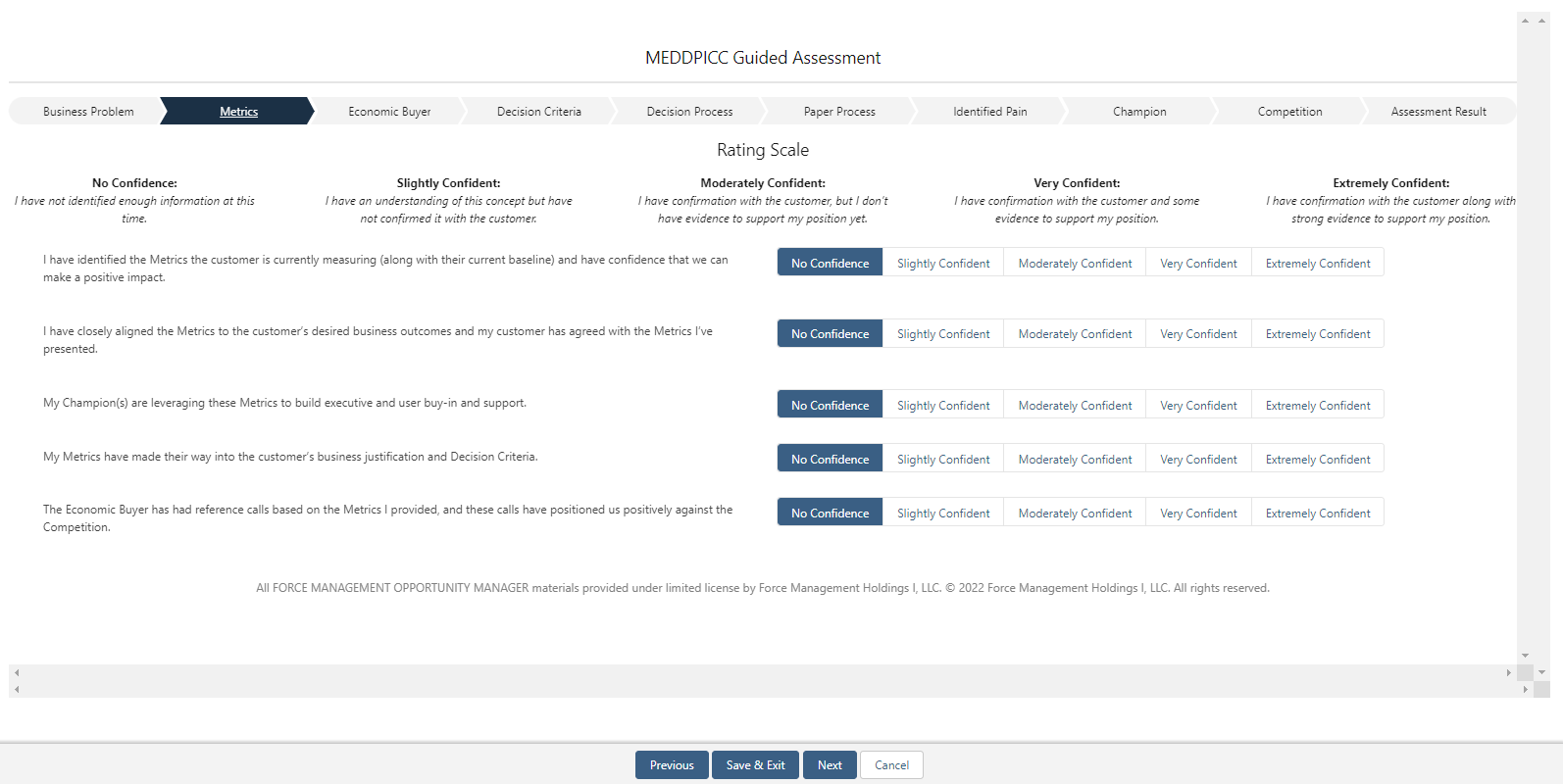
After launching the assessment, Reps will be walked through a series of questions where they will be able to select their confidence level for each. To move on to the next section, simply click “Next” at the bottom of the window.
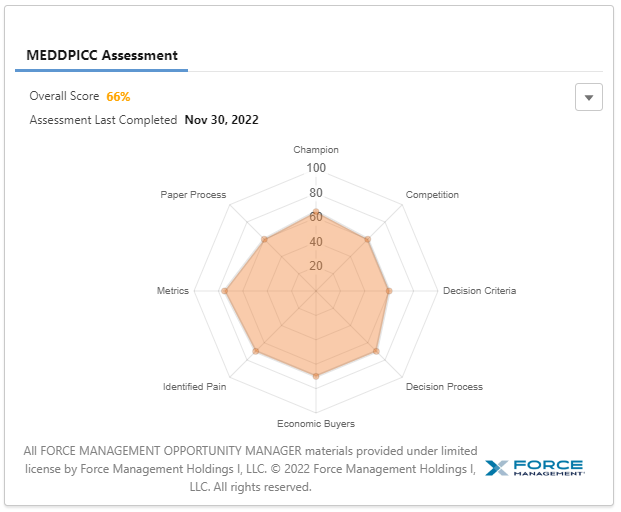
Upon completion of the assessment, Reps will be presented with a spider graph representing their answers along with a composite score.
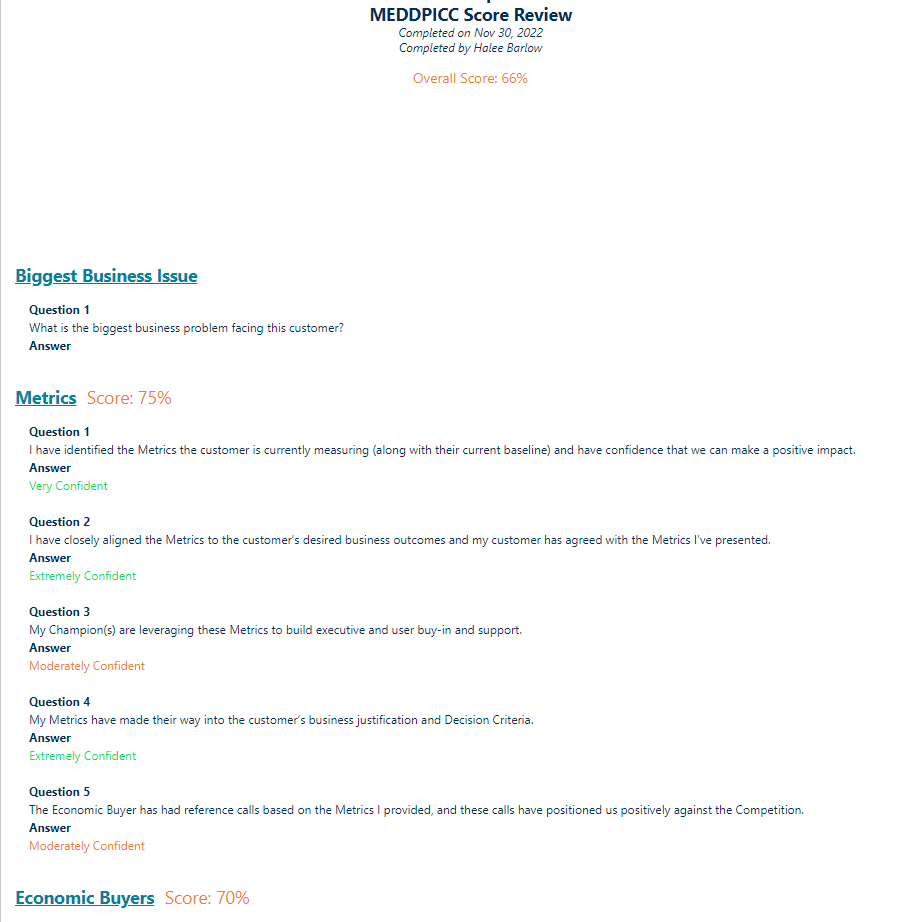
If Reps would like to review, print, or save a PDF of their assessment, click on the ‘Review Assessment’ button located in the lower right-hand corner of the assessment component. Doing so will prompt a formatted overview of the completed assessment to appear along with a “Print Preview” button that allows for printing and/or saving.