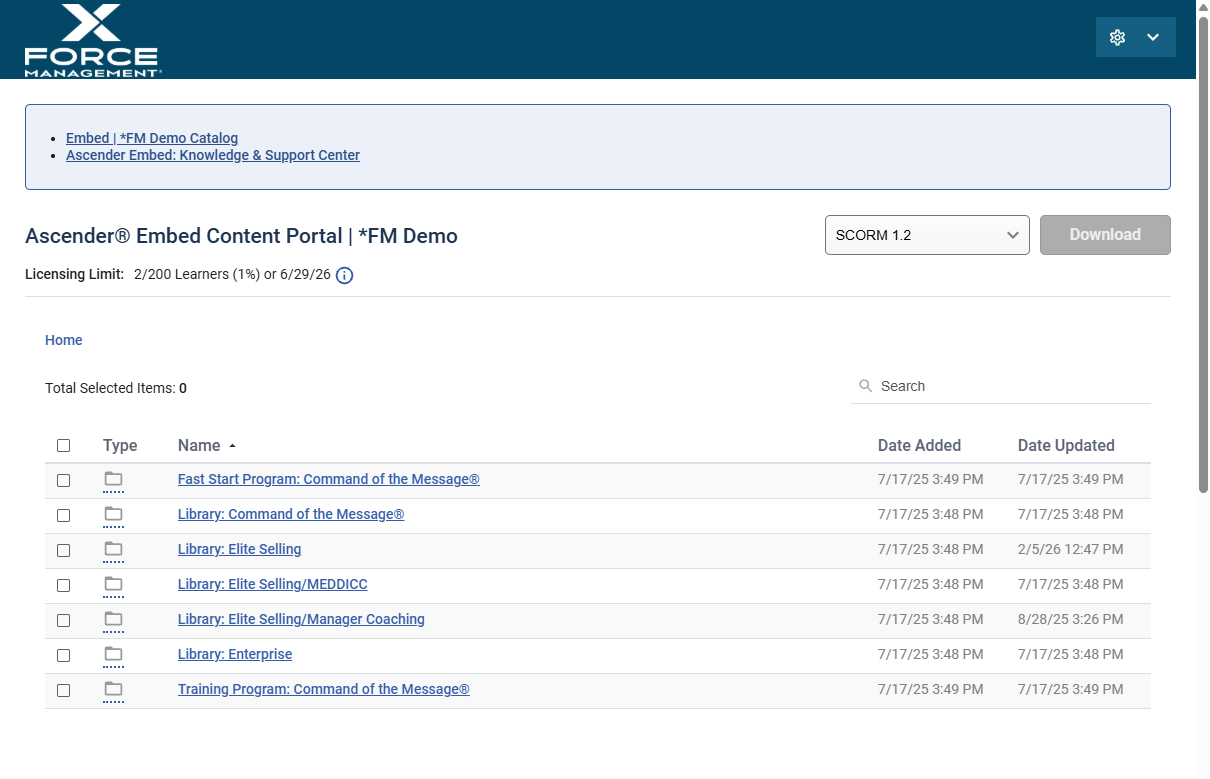
Access your content portal, so that you can download course files and check subscription usage.
Applies to: Ascender® Embed
Access Needed: Admin Account for your Company’s Content Portal
Instructions
Access Your Content Portal
-
Click on the Content Portal link provided to you in the Let’s Get Started email.
-
Enter your email and select Send Access Code.
-
Grab and enter the Access Code and then select Sign In.
Once logged in, you’ll be able to Import Courses Into Your LMS.
Bookmark the portal link for easy access in the future.